
Photo 1
Let me hip you all to a nifty little trick. Rocket science and intergalactic space travel this is not, but in a pinch, it could serve beneficial. If you’re like me, you’re a whore for digital media as well as good ol’ fashioned analog. On the bus, in the car, to clear the mind on a long walk; it’s comforting, to the point of necessity, knowing that at least 160 GB of music is available at literally any point of any day. This leads us to that nifty little trick previously mentioned.
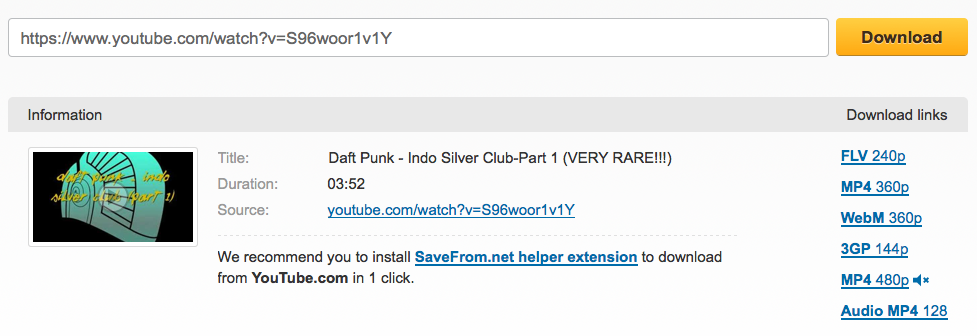
Photo 2
Say you’re at work on a Sunday, and while eating lunch at your desk, you start to rummage around Wikipedia for info on Daft Punk singles. Now say, you head on over to Discogs and a particular singe, let’s say Indo Silver Club (Part One) catches your eye (mainly because you’ve never heard of it, and the words “Daft” and “Punk” don’t appear anywhere on the record, credits, sleeve or otherwise). Discogs offers a handy little videos section which plays fan-uploaded YouTube clips. More time than not, you can find a video for every song, including some of the more rare releases. What I’m jivin’ at is this… without any additional software, purchased, borrowed, etc., you can turn these free videos into mp3 files, and bump them to the portable digital listening device of your choosing.
So, I’m going to hammer through this because I’ve got to continue making dinner before the SO gets home, so pay attention!
Step 1: Go to YouTube and find the video of the song you’d like. I’m using Indo Silver Club (Part One) and Indo Silver Club (Part Two) as my examples.
Step 2: Copy the URL.
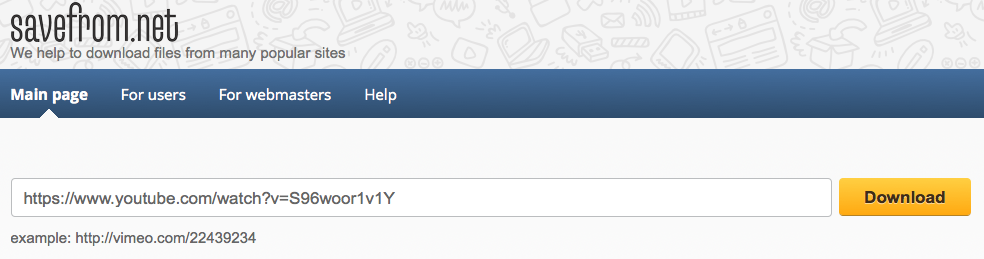
Step 3: Go to http://en.savefrom.net.
Step 4: Paste the YouTube URL into the input field and hit the big yellow DOWNLOAD button. (Photo 2
Step 5: Click one of the provided download links on the right. I grab the highest quality mp4, just in case I want to keep the video as well. (Photo 2)
Step 6: Go to http://www.freefileconvert.com.
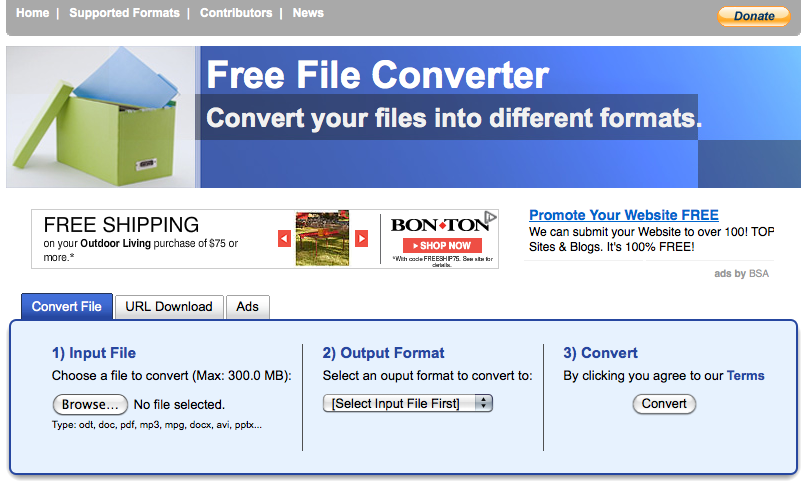
Step 7: Click the BROWSE button and locate the file you just saved from saveform.net (from step 5). I save everything to my desktop so I know where it is, then blow off any unnecessary files when finished.
Step 8: Select mp3 from the Output Format, then click the CONVERT button. You’ll see a little progress bar indicating, well, the progress of the conversion.
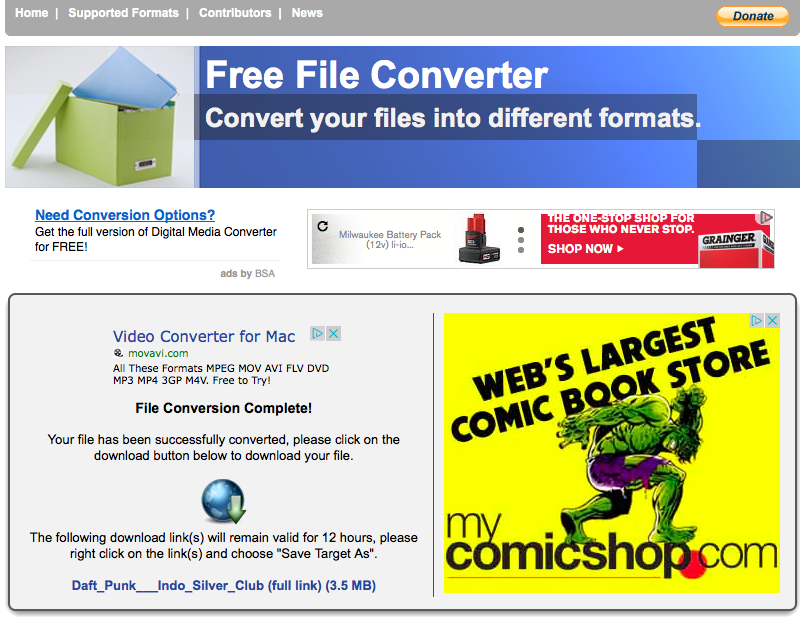
Step 9: Once the conversion is completed, click the download button (the blue globe with a green down arrow), and save your new mp3.
Step 10: Open iTunes (or whatever music listening software you prefer) and add your new mp3.
Donesville. Once in iTunes, you can change the metadata and bump the track to your device. You’re welcome.

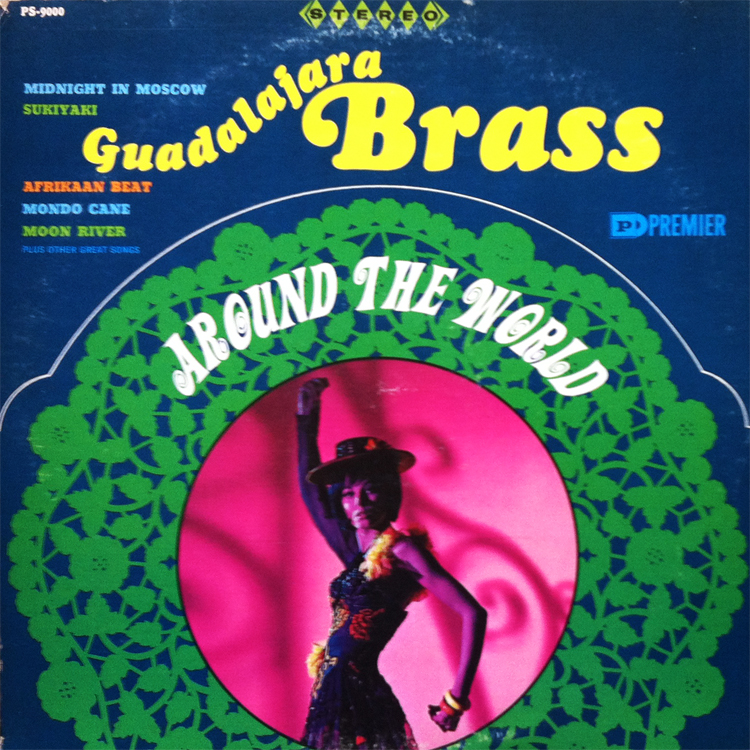
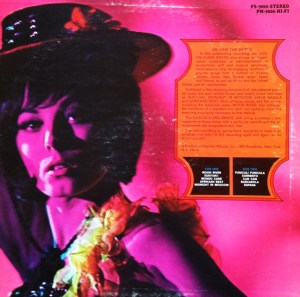 Space age instrumental pop launched from the capital of the Free and Sovereign State of Jalisco, Guadalajara Brass offers that unimposing and subtly cheerful sensation, much like you’d find after the bottom of your second rye Manhattan. Tackling internationally fashionable music from Italy to Israel, and from Africa to Japan, Guadalajara Brass proposes a quiet, soothing soundtrack perfect for your next bachelor pad-themed casual dinner party. I’m a sucker for hip-shaking, foot-tapping, international grooves of the instrumental nature. Around the World comes highly recommended.


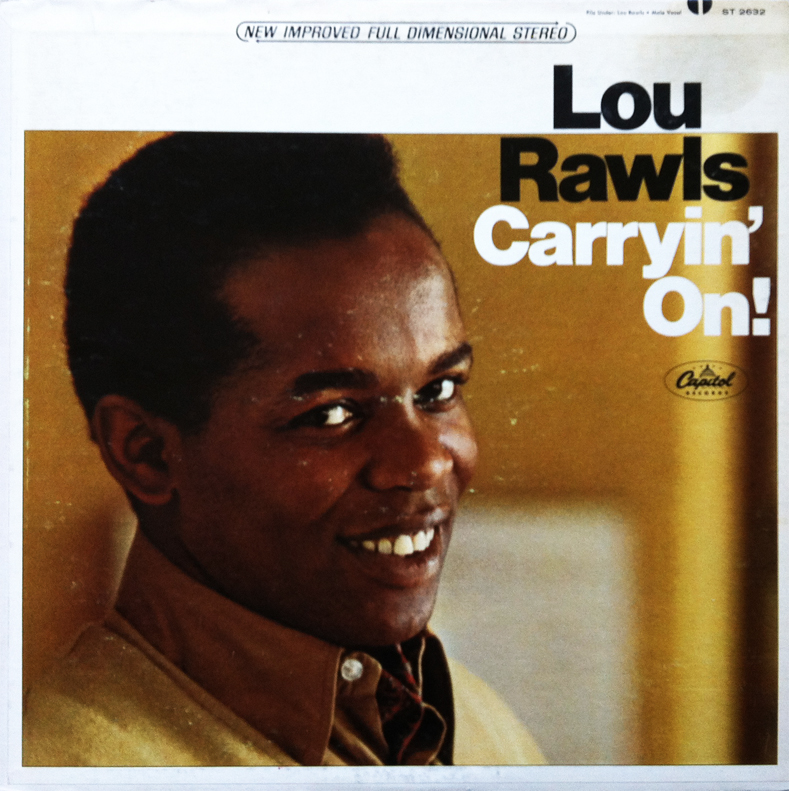
 During the special’s opener, This is the Night (Trick or Treat), and again on the sing-along classic, Scaredy Cat, Garfield’s cool, sleek voice is provided by Lou Rawls, and therefore solidifies the unexpected pairings of great soul music, and mischievous, lazy, cartoon cats. On Halloween, Garfield = Lou Rawls, aka Lou-Halloween-Field.



 The Prudent Groove